Best Offline Screen Recorder and Video Compressor for Windows (2026 Comparison)
An honest comparison of Snipping Tool, Xbox Game Bar, OBS Studio, ShareX, HandBrake and Amaar Toolkit for recording and compressing video on Windows without uploading files.
Article
If you search for a screen recorder or video compressor for Windows, most results push you toward an online tool that asks you to upload your file. That is fine for a meme. It is not fine for a client video, a recorded meeting or a contract scan. This guide compares the main desktop options that work on your own PC, what each one is good at, and where each one falls short.
Disclosure: Amaar Soft makes one of the apps in this list, Amaar Toolkit. We have tried to describe every option fairly, including the free ones that may be all you need.
Quick answer
- Just need a quick clip on Windows 11? Use the built-in Snipping Tool.
- Streaming, gaming or complex scenes? OBS Studio, free and open source.
- Only need to compress or convert video, free? HandBrake.
- Screenshots and short recordings with lots of options? ShareX.
- Want recording, video compression, a PDF editor and other everyday tools in one simple app? Amaar Toolkit (paid, with a 7-day free trial).
Comparison table
| Tool | Price | Screen recording | Video compress/convert | PDF editing | Works offline | Learning curve |
|---|---|---|---|---|---|---|
| Snipping Tool (Windows 11) | Built in | Basic | No | No | Yes | Very easy |
| Xbox Game Bar | Built in | One app window at a time | No | No | Yes | Easy |
| OBS Studio | Free, open source | Advanced | Limited (remux) | No | Yes | Steep |
| ShareX | Free, open source | Yes | Limited | No | Yes | Moderate |
| HandBrake | Free, open source | No | Yes, excellent | No | Yes | Moderate |
| Amaar Toolkit | 7-day trial, then from 199 BDT/month | Yes, with system sound, mic and webcam | Yes, including compress to an exact size | Yes | Most tools | Easy |
Snipping Tool (Windows 11)
Press Win + Shift + S and switch to video mode to record a region of the screen. It is the fastest way to grab a short clip, with nothing to install. It is not meant for long recordings, editing or compression.
Xbox Game Bar
Press Win + G on Windows 10 or 11. It records one app window at a time and cannot record the desktop or File Explorer, which surprises many people the first time they use it.
OBS Studio
The most powerful free option. Scenes, multiple sources, live streaming and fine control over encoding. The trade-off is setup time: for someone who just wants to record a quick tutorial, OBS can feel like too much.
ShareX
A favourite for screenshots, with annotation, upload and automation features. It can record the screen too. It is very capable, but the number of menus and settings can overwhelm non-technical users.
HandBrake
The best free tool for compressing and converting video. Choose a preset such as "Fast 1080p30", set the quality (RF) to around 22, and start. It does not record the screen.
Amaar Toolkit
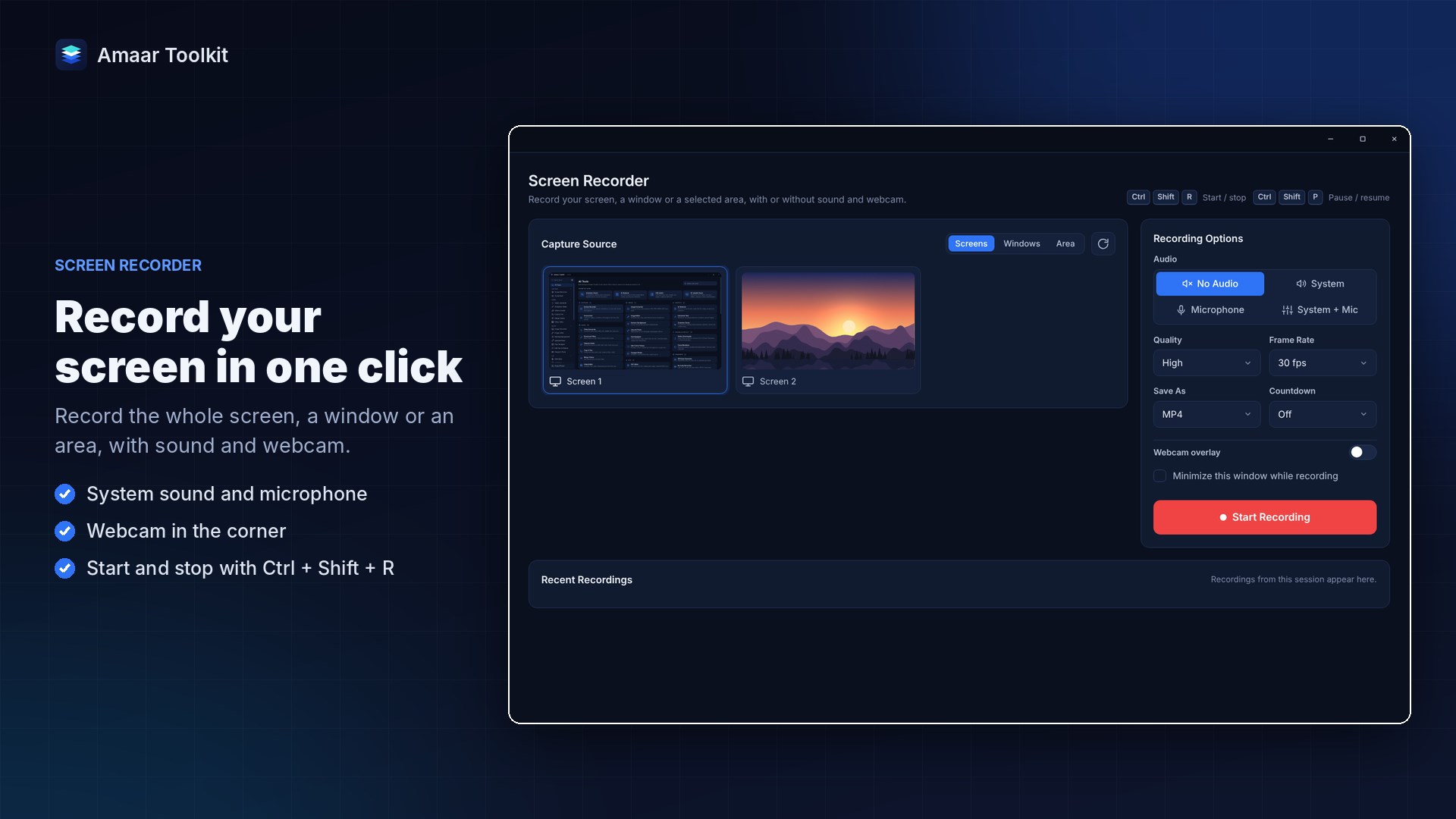
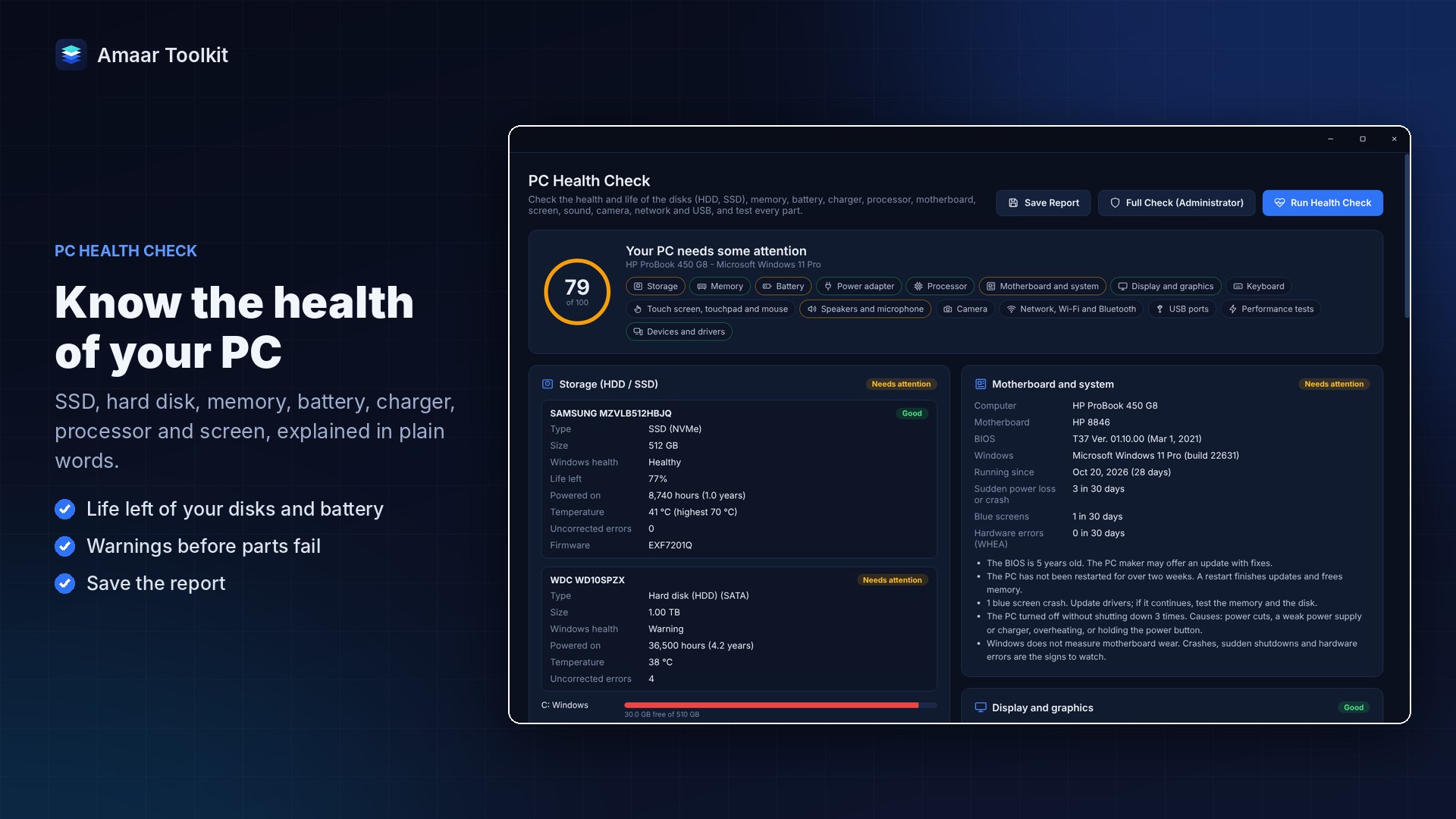
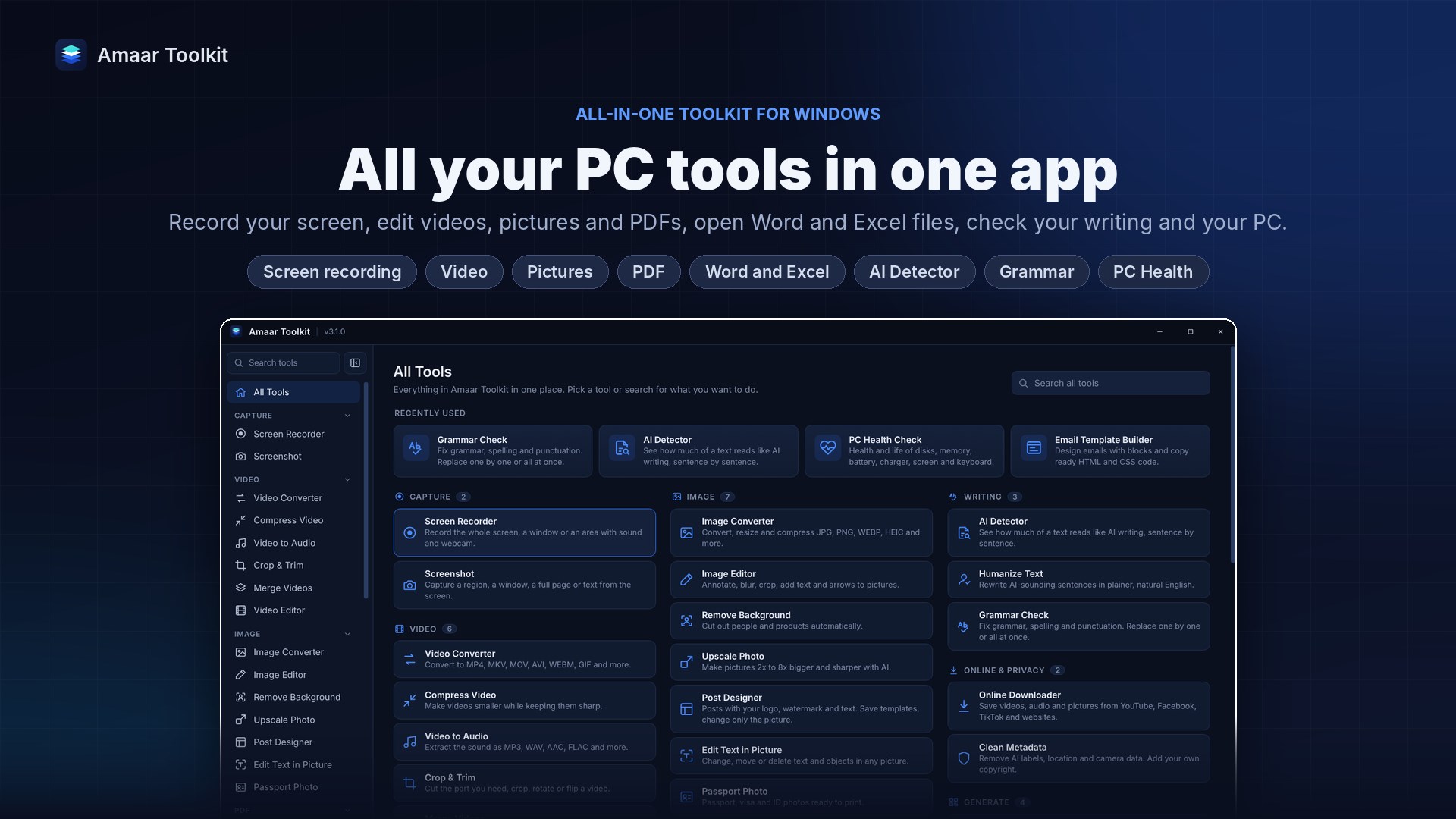
Amaar Toolkit is our Windows app that puts the everyday tools into one window: screen recording (full screen, window or area, with system sound, mic and webcam), screenshots with text copy (OCR) in English and Bangla, a video converter and compressor that can target an exact file size, a PDF editor, a passport photo maker and a PC health check. Most tools run on your own PC, so files are not uploaded.
It is a paid app. There is a 7-day free trial with every feature, then plans of 199 BDT per month, 1,999 BDT per year or 7,499 BDT lifetime for one device, payable with bKash, Nagad, bank transfer or card. If you only need one free tool, the options above may serve you better. If you want one simple app instead of five, it is worth a try.
See features and pricing or install it from the Microsoft Store.
How to choose
- Privacy first: if the file contains client data, IDs or anything internal, use a desktop tool, not an upload site.
- Match the tool to the job: a one-off clip does not need OBS; a weekly tutorial workflow does not fit Snipping Tool.
- Count the tools you juggle: if you regularly record, then compress, then edit a PDF, one app that does all three saves time.