Record your screen, convert and compress videos, edit photos and PDFs, open Word and Excel files, check your writing and the health of your PC — without installing ten different programs.
স্ক্রিন রেকর্ড, ভিডিও, ছবি, PDF, Word ও Excel — সব এক অ্যাপে, আপনার নিজের কম্পিউটারে।
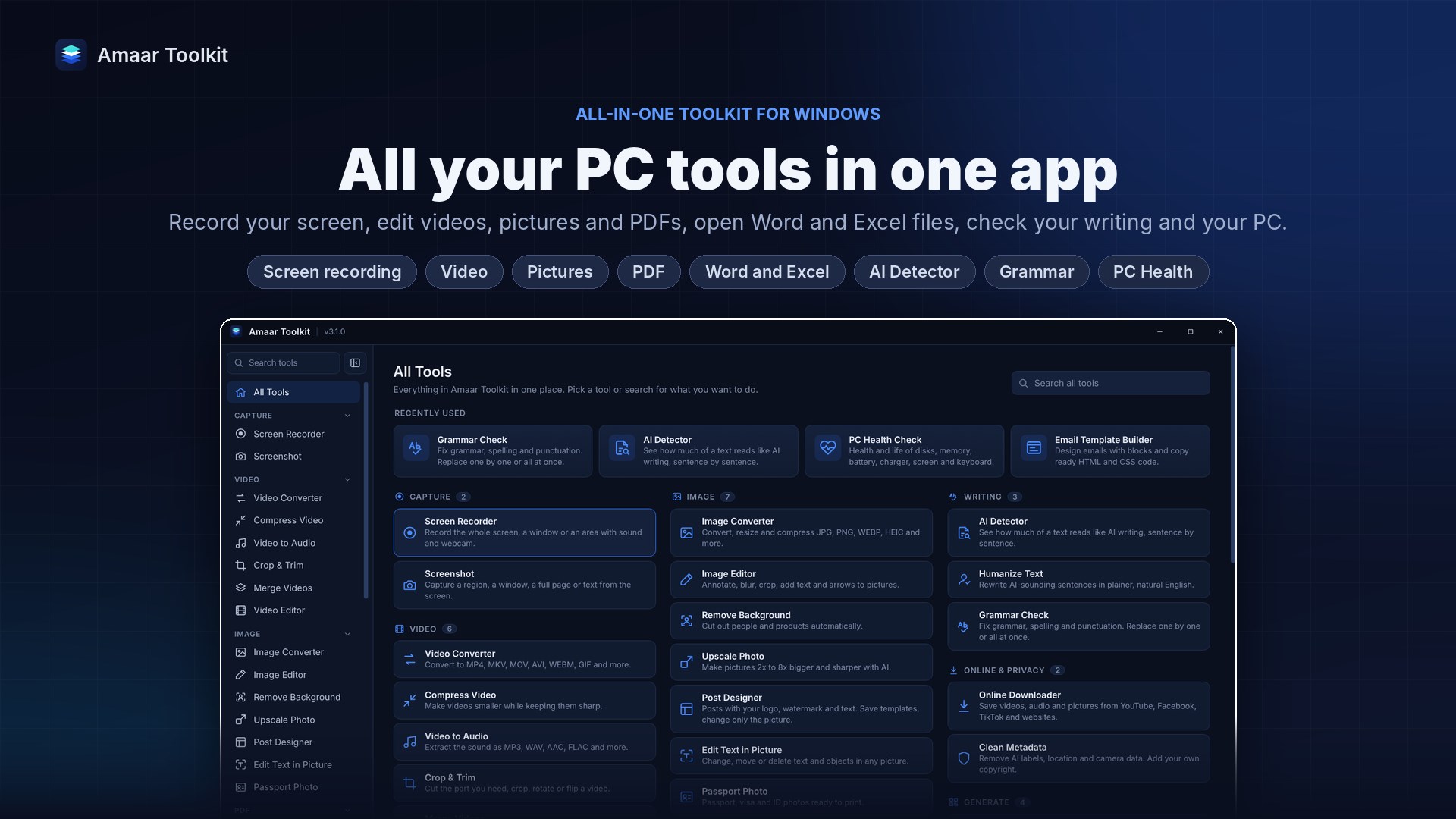
Everything you reach for in a normal week of work or study, in one clean Windows app.
Use any phone photo. The background turns white or blue automatically, you pick the standard size, and you get a print-ready sheet with several copies on one page.
Battery health, SSD life, memory, processor and screen — plus tests for speakers, microphone, camera, keyboard and USB ports. Save the report and show it to a technician or a buyer.
Install free from Microsoft Store and use every feature for 7 days. Choose a plan only if you want to keep it.
A full year at the best monthly price. Updates and support included.
Choose yearlyPrices for 1 device. Pay with bKash, Nagad, bank transfer or card. Instant activation after payment.
Yes. Install Amaar Toolkit from Microsoft Store, sign in with your Amaar Soft account and use every feature for 7 days. No payment details are needed to start.
Most tools run on your own PC, so your videos, photos and documents stay on your computer. Only features that need the internet, such as the online downloader, connect online.
Windows 10 and Windows 11, 64-bit.
Yes. You can move your licence to a new PC from the Account page in the app.
When a new version is released, the app tells you and installs it with one click.
Yes. Amaar Toolkit was called Amaar Recorder before version 3.0. It was renamed because it now does much more than recording.
Safe install from Microsoft Store. Every feature unlocked during the trial.
 Amaar Toolkit